There is an undeniable magic to vintage Indian cinema from the 1980s—especially campus romances and youthful dramas. Think sun-drenched verandas, hand-painted cinema banners, students clutching hardbound textbooks, and an iconic Bajaj Chetak parked under a sprawling banyan tree.
If you have tried using text-to-video or image-to-video AI tools to capture this retro university aesthetic, you likely ran into common roadblocks: faces shifting halfway through the shot, random modern cars creeping into the background, or an overly plastic, synthetic digital finish that completely ruins the vintage illusion.
To solve that, this guide provides a production-ready 1980s Indian College Campus AI Video Prompt engineered to maintain strict facial likeness, authentic period-accurate props, and rich 35mm celluloid film texture.
Quick Take: Why This Prompt Captures Authentic 80s Nostalgia
Key Takeaway: Recreating regional retro cinema requires specific cultural and physical anchors. Instead of generic terms like “retro student,” specifying acid-wash high-waisted denim, leather-bound textbooks, a Bajaj Chetak scooter, and Kodak 35mm film grain prevents the AI model from generating modern Western campus tropes.
The Master AI Prompt: 1980s Indian College Campus
Copy and paste the prompt below directly into your AI video generator (such as Google Flow, Kling, Luma Dream Machine, or Runway Gen-3) along with your uploaded reference photo:
⚡ AI PROMPT
Breakdown: What Makes This Prompt Work?
To achieve cinematic realism without visual drift, the prompt is built around four deliberate layers:
1. Identity & Gender Locking
- Directive:
maintaining the exact same facial identity, physical appearance, and gender as the reference image - Why it matters: AI video diffusion models frequently generalize faces toward contemporary celebrity lookalikes when vintage styling keywords are introduced. This hard rule locks facial vectors directly to the input frame.
2. Period-Accurate Campus Fashion
- Directive:
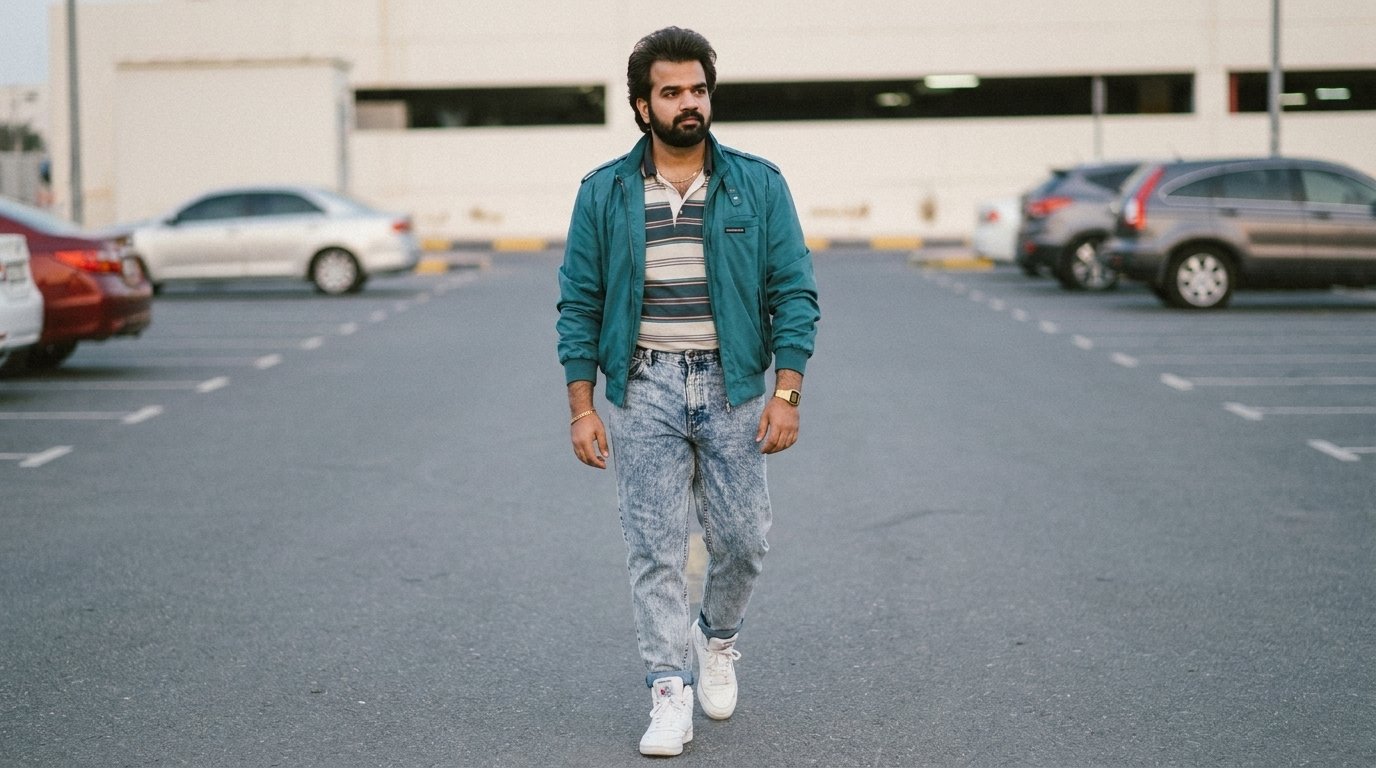
high-waisted acid-wash denim jeans with a wide leather belt... vibrant red puff-sleeve blouse (or wide-collared retro shirt) - Why it matters: Fashion in 1980s South Asian colleges blended Western trends with local styles. Including details like sunglasses tucked into the collar and voluminous feathered hairstyles tells the model precisely which decade and subculture to replicate.
3. Culturally Specific Environmental Clues
- Directive:
classic architecture, hand-painted movie posters, and a pristine vintage Bajaj Chetak scooter - Why it matters: If you only ask for a “college campus,” models default to red-brick American or British universities. Naming regional hallmarks like hand-painted movie billboards and the classic Chetak grounds the setting firmly in its historical context.
4. Analog Camera & Film Simulation
- Directive:
Shot on Kodak 35mm film stock with warm golden-hour light, soft lens flare, fine film grain, and subtle chromatic aberration. Smooth camera motion with a slow dolly-in. - Why it matters: High-resolution digital renders often look artificial. Requesting physical film characteristics (grain, edge chromatic aberration, organic flare) softens harsh digital lines, producing that dreamy, analog celluloid feel.
Step-by-Step Generation Workflow
Step 1: Select the Best Reference Photo
- Pick a clear, well-lit photo of yourself or your subject.
- A straight-on or slight 3/4 angle works best. Avoid images with intense shadows, heavy beauty filters, or obscured facial features so the AI’s facial recognition module has clean data.
Step 2: Set Video Model Parameters
- Aspect Ratio: Choose 9:16 for Instagram Reels, YouTube Shorts, or TikTok; choose 16:9 for cinematic widescreen displays.
- Motion Strength: Keep it between 3 and 5 (moderate). A gentle dolly-in shot creates natural movement without warping the parked scooter or the books in hand.
- Camera Movement: Restrict to a smooth forward dolly or subtle tracking push.
Step 3: Polish in Post-Production
Take your raw generation from good to viral with simple post-processing in CapCut, DaVinci Resolve, or Premiere Pro:
- Audio Design: Add an acoustic guitar riff, vintage sitar chords, or ambient campus chatter with gentle afternoon birdsong.
- Warm Grading: Slightly lift the shadows and introduce a touch of warm amber/orange into the midtones.
- Subtle Grain: If your model renders the skin too smooth, add a transparent 35mm grain overlay at 6–8% opacity to lock in the authentic film print texture.