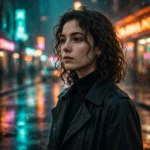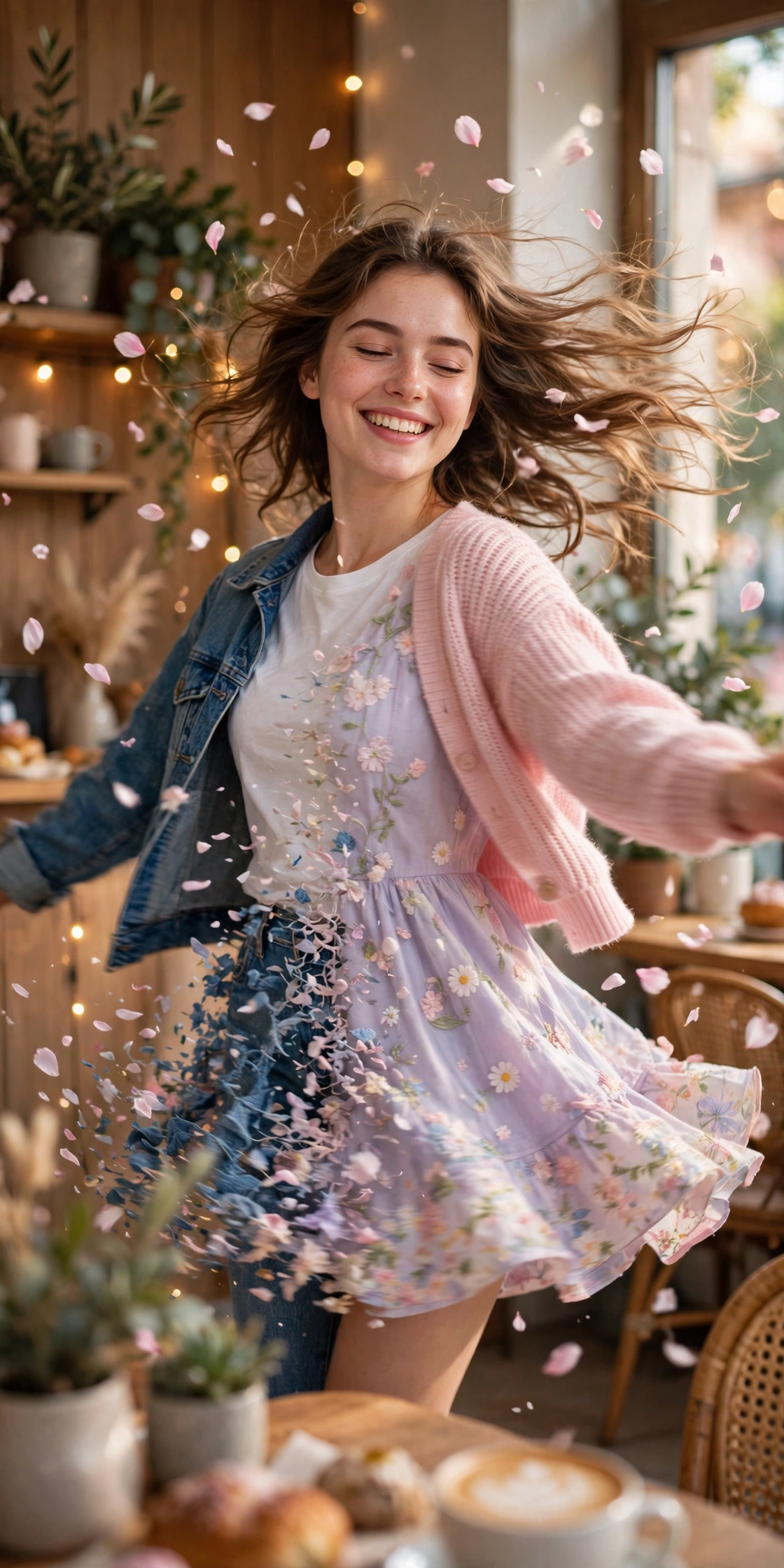
The cutest videos on your feed right now aren’t shot — they’re prompted. One photo, one quick spin, and suddenly you’re in a whole new outfit while the camera whips around you like a music video. That’s the cute transition trend, and it’s all over Instagram and TikTok this week.
I tried it with a plain selfie from my gallery, nothing fancy, and the result looked like I’d hired someone to film me for the afternoon. Here’s the exact prompt I used, plus a short version for free tools, so you can make your own in about ten minutes.
What you need
- One clear photo of yourself — full body if you can, and a plain background helps a lot
- An AI video tool that takes an image as the first frame (Google Flow, Kling, Runway, or any image-to-video app)
- The Instagram or TikTok app, for adding the trending audio at the end
- About ten minutes, and one decent attempt at patience
The prompts
Master prompt — the full outfit-change spin:
Use the uploaded photo as the first frame. Keep my face exactly the same throughout — same face structure, same skin tone, same hairstyle, no face change at all, no beautifying. Vertical 9:16 video, smooth cinematic motion, warm soft daylight.
Scene 1 (0–2 seconds): I stand still in my current outfit, smiling softly at the camera, then I start to spin slowly to the right.
Scene 2 (2–5 seconds): Mid-spin, my outfit changes into a cute pastel dress with a soft cardigan, hair flowing with the spin, a few flower petals drifting through the air around me. The background shifts to a bright, cosy café corner with fairy lights.
Scene 3 (5–8 seconds): The spin slows and stops, I face the camera again in the new outfit, give a small happy twirl of the skirt and a sweet smile. The camera pulls back gently as the petals settle.
Camera: smooth handheld feel, slow push-in during the spin, gentle pull-back at the end. No text, no watermark, no logo, no lip-sync, no extra people, no distorted hands.
Short version — for free tools with small prompt boxes:
Use my photo as the first frame, keep my face exactly the same. I spin slowly to the right, and mid-spin my outfit changes into a cute pastel dress with a cardigan, petals drifting around me in a bright café with fairy lights. I stop facing the camera, smile, and give a small twirl. Vertical 9:16, smooth motion, no text, no watermark, no lip-sync.
How to use it
- Pick your photo. Full body works best for this one, because the spin needs somewhere to go. A selfie crops the magic out.
- Open your video tool and upload the photo as the first frame. Most image-to-video tools have an “image to video” mode — that’s the one you want.
- Paste the master prompt in full. If your tool has a short prompt box, use the short version instead — don’t try to squeeze the long one in.
- Generate, then watch the whole clip before you judge it. The first two seconds always look a bit stiff; the spin is where it comes alive.
- Check the face first. If it drifted, regenerate with the same prompt — don’t start rewriting lines, it just muddies things.
- Download the video, then open Instagram or TikTok and add the trending audio inside the editor. AI video tools don’t add the song for you, so this step is where the trend actually happens.
- Post it as a reel with a simple caption — “tried the transition trend” beats a paragraph of hashtags every time.
Prompts not working? Read this
Your face changed mid-spin. This is the number one fail. Regenerate once with the same prompt. If it keeps happening, swap in a clearer front-facing photo — side angles and sunglasses make the face drift way more.
The outfit never changes. Some free tools cap the motion and just animate your original photo. If the spin happens but the dress stays the same, your tool is the limit, not the prompt. Try the short version, or run it in a tool with a longer clip length.
The spin is too fast and looks dizzy. Add “slow, graceful spin” to the prompt, or trim the clip so the spin lands on the beat of the song instead of racing through it.
The background turns into a mess. Plain backgrounds save you here. A busy room behind you gives the AI too much to invent mid-spin, and it usually invents badly. Retake the photo against a wall.
Hands look wrong at the end of the spin. Same rule as every AI video: keep the hands simple. A small twirl of the skirt works because the hands barely show. Arms out wide is asking for trouble.
More prompts people are copying right now
- All Latest Viral Prompts
- Birthday AI Photo Editing Prompts: Turn One Selfie into a Cake-and-Balloons Portrait
- Viral Cricket AI Video Prompt: Stadium Walk-In Scene from One Photo
- Viral Diwali AI Video Prompt: The Rooftop Fireworks Spin Everyone Is Posting
FAQs about the cute transition video prompt
Will the AI keep my face exactly the same?
Mostly, yes — if your uploaded photo is clear and front-facing. The prompt tells it three different ways to leave your face alone, and that helps. But harsh shadows, side angles, or sunglasses will still cause drift, so start with a good photo and don’t blame the prompt for a bad one.
Can I make this transition video for free?
You can. Free image-to-video tools will run the short version of the prompt, usually with a daily limit and slower generation. The clip might come out shorter than 8 seconds, but the spin still works. Just remember the trending audio gets added afterwards, inside Instagram or TikTok.
Why does my outfit not change in the video?
Usually it’s the tool, not the prompt. Some free tools only animate the photo you gave them and won’t invent a new outfit mid-spin. Try the short version first, and if it still won’t change, run the same prompt in a tool with a longer clip length, like Google Flow or Kling.
How do I add the trending song to my video?
AI video tools don’t add music, so do it after you download the clip. Open Instagram or TikTok, start a new reel with your video, tap the audio icon, and pick the song that’s trending on the transition videos in your feed. Add it inside the editor and your video rides the same sound everyone else is using.