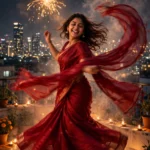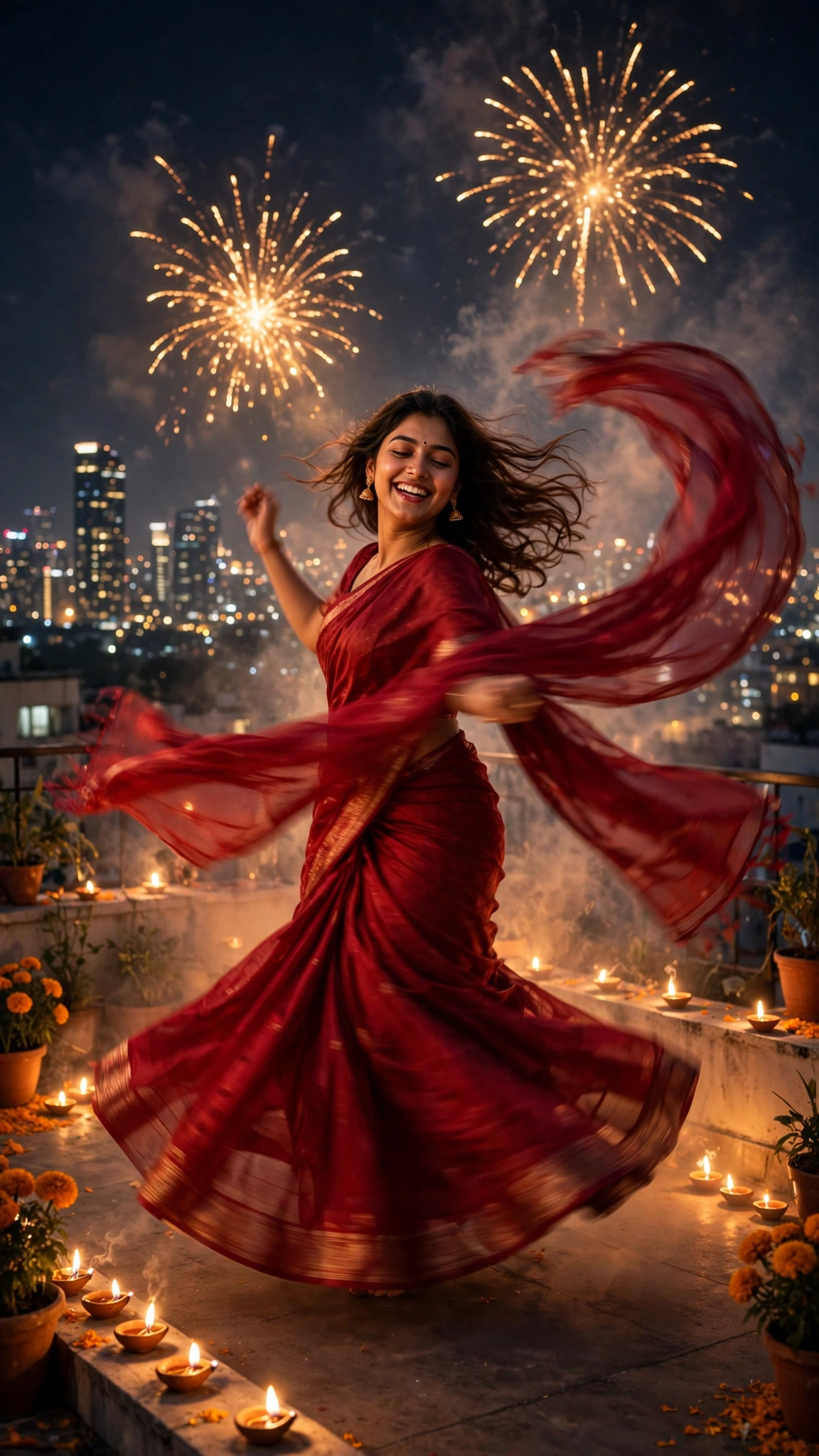
You’ve seen it by now. A girl on a rooftop, back to the camera, saree catching the light from the diyas. One rocket goes up, the sky cracks open in gold, and she turns and spins right as the fireworks fill the frame. My feed has been wall-to-wall with this clip all week, and half of them genuinely look like film stills.
Here’s the thing nobody mentions in the comments: nobody filmed anything. It’s one photo and one prompt, run through Gemini or Kling in about two minutes. Below is the exact version I use, including the lines that stop the face from drifting halfway through the spin.
What you need
- One clear photo — front-facing, decent light, no sunglasses, no heavy filter
- The Google Gemini app (Veo) or Kling
- About 2 minutes, plus one re-roll if the fireworks get dramatic
The master prompt
Copy this as it is. The scene timings matter more than you’d think.
Use the uploaded photo as the only reference for the woman’s face, skin tone and features. Vertical 9:16 video, 9 seconds, photorealistic, cinematic night lighting.
Scene 1 (0–3s): A young woman in a deep-red saree stands on a rooftop terrace at night, back to the camera, looking up at a dark sky. Diyas and string lights glow softly along the edge of the terrace. Quiet, expectant mood.
Scene 2 (3–6s): A single rocket rises far in the distance and bursts into gold sparks. She turns toward the camera and spins once, slowly, the saree flaring gently with the turn. More small fireworks open across the sky behind her — distant, realistic size, like a real Diwali night over a city.
Scene 3 (6–9s): She settles facing the camera, smiling naturally, fireworks still popping softly in the background sky, warm diya light on her face.
Camera: slight low angle, very slow push-in the whole time, smooth and steady, no shake.
Strict rules: keep the exact face from the uploaded photo — no face change, no different person. No text, no watermark, no logos. No lip-sync; she does not speak. Natural, realistic motion only, nothing cartoonish. Fireworks stay small and far away — no giant explosions near her.
Short version (for Kling and free tools)
Turn this photo into a 9:16 night video: a woman in a deep-red saree on a rooftop, back to camera, one distant firework bursts gold, she turns and spins once, ends smiling at the camera. Keep her face exactly the same. Slow push-in, small realistic fireworks far away, no text, no watermark.
How to make it
- Open the Gemini app and pick video generation (Veo), or open Kling and choose image-to-video.
- Upload your photo first. Photo first, prompt second — if you paste the prompt before the photo loads, the tool sometimes half-ignores the reference.
- Paste the master prompt. Leave the scene timings in; they stop the spin firing at a random moment.
- Generate and wait. First render usually takes a minute or two.
- Download the clean version where the tool allows it. Some free tiers tuck a small mark in a corner — a slight crop in your editor clears it.
- Post it with the trending Diwali audio, added inside the Instagram or TikTok editor. The AI tool will not add the song for you. Time it so the big burst lands near the beat drop and the clip does half its work on its own.
Fix these before you re-generate
- Face drifts during the spin. Almost always the photo: angled selfie, low resolution, one side in shadow. Use a straight-on, sharp, well-lit photo. The turn is the stress test for every tool, so give it the easiest reference you can.
- Fireworks look like a war zone. The word “distant” is doing heavy lifting in this prompt. If yours came out huge, put “small, far away, realistic size” in twice. Tools listen to repetition more than subtlety.
- The spin looks like a video game cutscene. Add “slow, smooth, natural motion” and keep it to one spin. Two spins sounds better on paper and breaks the face nearly every time.
- Saree colour shifts mid-clip. Describe the outfit once, plainly — “deep-red saree” — and stop there. Stack five outfit details and the tool drops half of them anyway, usually the colour.
- The sky dies at the end. If scene 3 comes back empty, strengthen the wording: “fireworks still popping softly in the background sky.” A dead sky makes the ending feel like the video just gave up.
More prompts people are copying right now
- All Latest Viral Prompts
- Viral Coffee Couple AI Trend
- Viral Car Jump Reel Prompt
- Zombie Love Story Prompt
FAQ
Which tool is actually free for this?
Gemini gives you a limited number of free video generations on most accounts, which is enough for this clip and a re-roll. Kling’s free tier also works — you get credits that refresh, though the queue crawls at peak hours. Either tool handles the prompt fine.
How long does the whole thing take?
About two minutes to set up, then one to five minutes of rendering depending on the queue. Budget for one re-roll (there’s nearly always one) and you’re looking at ten minutes, photo to posted.
Why did her face change halfway through?
The photo, nine times out of ten: an angle, a filter, sunglasses, or harsh shadow on one side. A plain front-facing photo in daylight fixes most of it. Keeping the motion to a single slow spin helps too — big fast movement is where faces come apart.
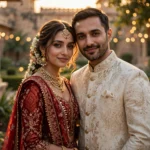
Can I use this with a couple or a friend’s photo?
Yes. It works with two people standing together, as long as the photo is clear and both faces are visible. Add both outfits to scene 1 (“a woman in a deep-red saree and a man in a black kurta”) and keep the spin to the woman, or have both turn slowly. One face is always the more reliable render, though.