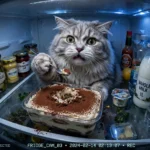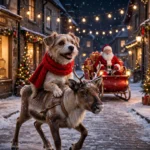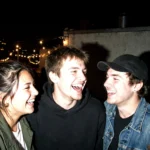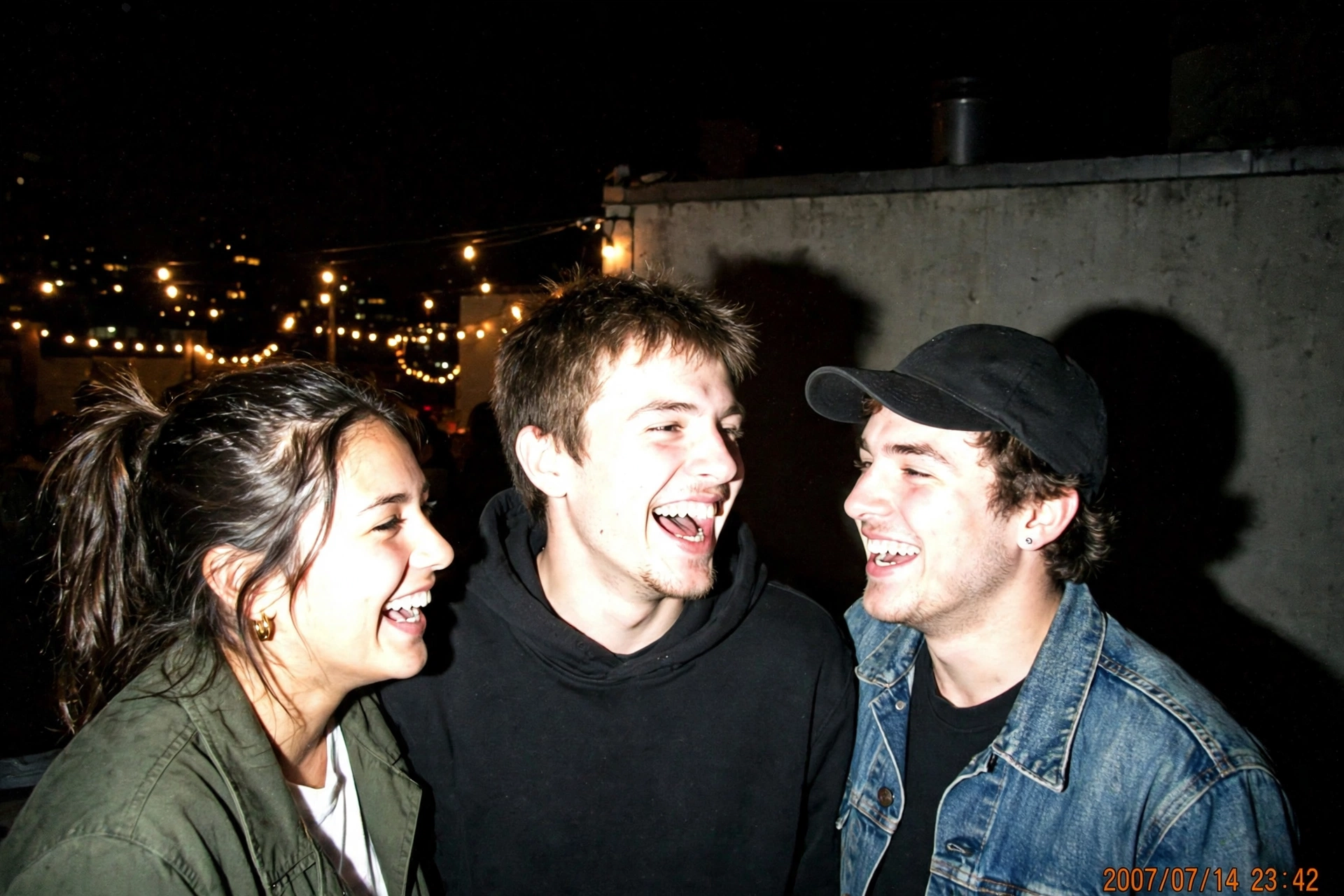
Scroll through any party photo dump right now and you’ll spot it instantly: blown-out faces, a pitch-black background, and that little orange date stamp sitting in the corner. The 2007 digicam flash look is everywhere again, and no, people aren’t digging old cameras out of drawers. It’s one prompt pasted over an ordinary photo.
I ran a few of my own pictures through three versions of this edit, and the rooftop one wins every time. The flash has to feel a bit too strong, the shadows a bit too hard. That’s the whole charm. Below are the three prompts I keep reusing, plus the fixes for when the AI softens the look too much.
What you need
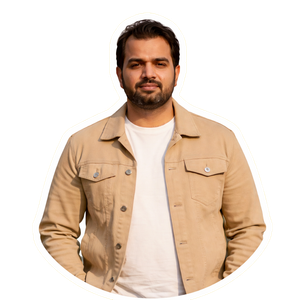
- One clear photo of yourself — face fully visible, no sunglasses, no heavy filters already on it
- An AI image editor that accepts photo uploads (Gemini or ChatGPT both handle this edit well)
- Two minutes per photo — this is a single-paste edit, not a project
Group photos work too, but start with a solo shot so you can see how the tool treats your face before you feed it three people at once.
The prompts
Copy one, paste it with your photo, and generate. Each one locks your face in first, then builds the digicam look around it.
Edit the uploaded photo into a 2007 digicam flash party snapshot. Keep my face, hairstyle, skin tone and expression exactly the same — no face change, no beautifying, no slimming. Scene: a rooftop party at night with warm string lights behind me. Harsh direct on-camera flash: bright overexposed skin highlights, a hard dark shadow right behind me, nearly black background edges, visible digital noise and grain, slightly tilted candid framing like a friend grabbed the shot. Add a small orange date stamp in the bottom right corner. No extra fingers, no extra people, no text besides the date stamp, no watermark. 3:4 portrait.
Turn the uploaded photo into a 2007 point-and-shoot birthday photo taken indoors at night. Keep my face, hair and identity 100% identical — no face change, no skin smoothing, no reshaping. I’m sitting at a table with a birthday cake and two candles in front of me, mid-laugh, caught by a harsh direct camera flash. Overexposed highlights on the skin, dark fall-off at the edges of the frame, faint red-eye energy, fine digital grain, home-photo colours slightly too warm. Small orange date stamp in the bottom right corner. No extra fingers, no extra hands, no text besides the date stamp, no watermark. 3:4 portrait.
Recreate the uploaded photo as a late-night street snapshot from a cheap 2007 compact camera. Preserve my exact face, hairstyle and clothes — no face change, no beauty filter, no identity shift. Setting: a quiet city street at night, one streetlight far behind me, everything lit only by the camera’s direct flash. Blown-out highlights, deep black shadows, visible noise grain, slightly off-centre framing, motion energy like the photo was taken while walking. Small orange date stamp in the bottom right corner. No extra fingers, no other people, no readable shop signs, no text besides the date stamp, no watermark. 3:4 portrait.
How to do it
- Pick the right starting photo. A plain, well-lit shot beats a moody one. The AI needs a clean read of your face before it buries the picture in flash and grain.
- Open your image editor and upload the photo. Use the edit/image mode, not a fresh text-to-image generation — you want your photo as the base.
- Paste prompt 1 exactly as written. Don’t trim the negative lines at the end; they’re what stop the tool from “fixing” the harsh flash into soft studio light.
- Check the face first, not the vibe. Zoom in. If your features drifted, regenerate from the original photo instead of editing the edit — stacked edits melt faces fast.
- Generate two or three variants. The best digicam shots feel accidental. Pick the one that looks least posed, even if it’s slightly crooked.
- Save at full resolution. Grain hides compression, but a small export still looks mushy when you post it. Keep the biggest file the tool gives you.
Fixes for the usual problems
The flash looks too soft. The tool is being polite. Add the line “direct flash only, no soft light, no fill light, background falls to black” and run it again. Soft light is the number one thing that kills this trend.
The date stamp has gibberish numbers. AI still fumbles small digits. Either accept it — real digicam stamps were half-unreadable anyway — or crop the corner and add the date yourself in any basic editor with an orange monospace font.
My skin looks orange. That’s partly the era talking, but if it goes full tangerine, add “keep natural skin colour under the flash” to the prompt. One line usually pulls it back.
Extra fingers or a stranger appeared. Regenerate, don’t patch. And for group shots, tell the prompt exactly how many people are in the photo — “three people, no more” cuts most surprise guests.
More prompts people are copying right now
Fresh edits land on the hub every day — these are the ones moving fastest this week:
- All latest viral prompts in one place
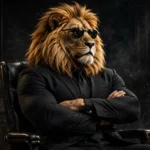
- Sheru Bhai AI photo editing prompts — the lion-man boss portrait
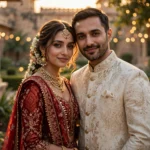
- Viral Dil Ruba AI video prompt — romantic slow-motion reel
- Professional headshot prompts — a LinkedIn-ready studio portrait
Frequently asked questions
Which app gives the most realistic digicam flash look?
Gemini’s image editing tends to keep faces steadier while adding grain, and ChatGPT is a close second. Both handle the flash look fine — the prompt wording matters more than the app. If one softens the flash, add the “direct flash only” line and regenerate.
Does this work on group photos?
Yes, with one adjustment: state the exact number of people in the prompt and say “no extra people.” Faces in group shots drift more easily, so check every face at full zoom before posting.
Why does the AI keep removing the harsh shadows?
Most image models are trained to prefer flattering light, so they quietly soften flash edits. The fix is negative wording: “no soft light, no fill light, no beauty lighting” tells the model the hard shadow is the point, not a mistake.
Can I do the digicam look without the date stamp?
Of course — delete the date stamp sentence from any of the prompts above. The flash, grain and black background carry the 2007 feel on their own; the stamp is just the cherry on top.