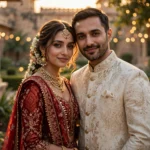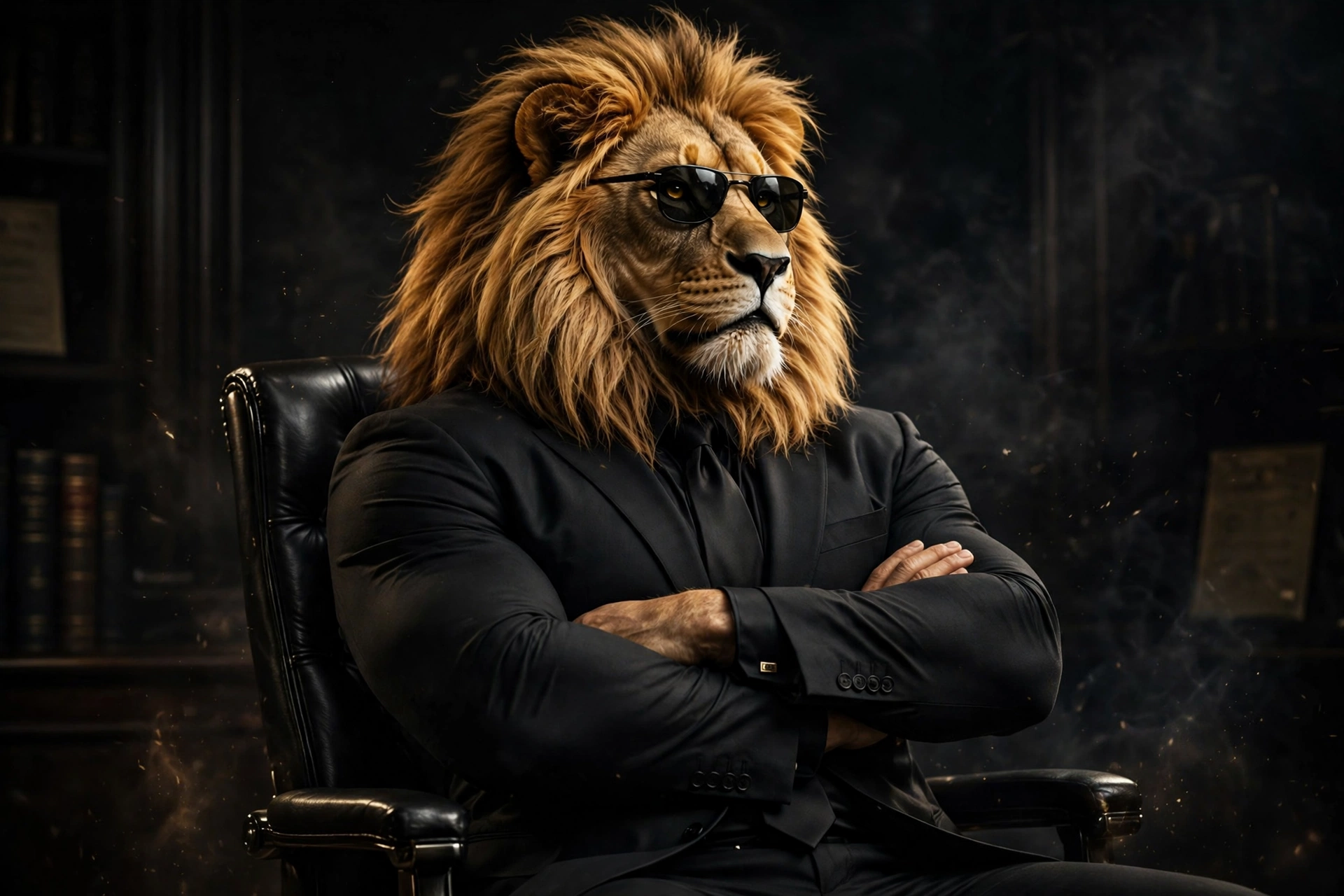
Some trends sneak up on you. Sheru Bhai didn’t. One week your feed was full of normal selfies, and the next it was lion-headed men in sharp white suits striding into palaces like they owned the place — because in the trend, they do.
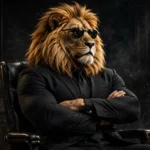
Sheru Bhai is a fictional AI character: a man with a white lion’s head, a tailored white suit, and a thick gold chain. The viral version puts you next to him — or turns you into him. No editing app, no Photoshop skills, no paid tool. One photo, one prompt, and Gemini or ChatGPT does the rest. Here’s how to get a version that actually looks like you.
What you need
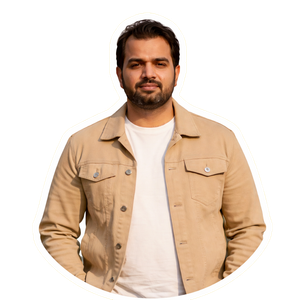
- One clear photo of yourself, front-facing, in good light. A standing shot works best for the duo poses; a shoulders-up selfie is fine for the close-ups.
- The Gemini app (free) or ChatGPT. Both handle these prompts well, and you don’t need a paid plan.
- Five spare minutes. Most first tries land in under a minute — the rest goes on fixing the face.
The prompts
Copy any of these straight into Gemini or ChatGPT. Swap the bits in square brackets for your own details.
1. Selfie with Sheru Bhai
Create an ultra-realistic 8K cinematic portrait from my uploaded photo. I am standing next to Sheru Bhai, a majestic white lion-headed man in a premium white three-piece suit, white shirt, and heavy golden chain. His large furry paw rests naturally on my shoulder, like a best friend posing for a photo. Both of us look straight at the camera with calm, confident expressions. Keep my face 100% identical to my reference photo — same hairstyle, beard, skin tone, and features. Do not change my identity. Natural outdoor daylight, realistic shadows, detailed lion fur, a beautiful palace-style building behind us. Photorealistic, vertical 3:4. No face change, no extra fingers, no extra people, no text, no watermark, no cartoon look.
2. You as Sheru Bhai — the boss entry
Turn my uploaded photo into an ultra-realistic cinematic portrait of me as Sheru Bhai: a confident man with a majestic white lion’s head and golden mane, wearing a premium white three-piece suit, light grey waistcoat, white shirt, gold pocket square, and gold wristwatch. I am walking slowly towards the camera through a grand marble palace hall with chandeliers, mid-stride, turning my head slightly over my shoulder with a slow, powerful stare. Keep my body type, posture, and outfit style from my photo. Photorealistic 8K, dramatic warm lighting, vertical 3:4. No extra fingers, no distorted hands, no text, no watermark, no cartoon effect.
3. Supercar Sheru at golden hour
Create an ultra-realistic 8K photo from my uploaded selfie. I am standing beside Sheru Bhai — a white lion-headed man in a white luxury suit with a thick golden chain — in front of a sleek black supercar at golden hour. Sheru Bhai stands close, one furry paw resting lightly on the car roof, the other on my shoulder. We both face the camera, relaxed and confident. Keep my face exactly the same as my photo: same hairstyle, beard, and skin tone. Do not alter my identity. Warm sunset light, soft shadows, glossy car reflections, cinematic depth. Vertical 3:4. No face change, no extra fingers, no distorted hands, no text, no watermark, no cartoon look.
How to make your Sheru Bhai photo
- Pick the right photo. Front-facing, eyes visible, no sunglasses, no heavy filters. The AI copies what it can see, so a blurry input gives you a blurry Sheru.
- Open Gemini or ChatGPT. Use the app on your phone — uploading photos is quicker there than on desktop.
- Upload your photo first, then paste the prompt. Order matters. If you paste the text before the photo, some tools guess the face instead of using yours.
- Send it and wait. Most results come back in 20–60 seconds. Don’t send the same prompt twice — you’ll just get two different faces to choose between.
- Check the face before anything else. Zoom in. If your face drifted, say so in a follow-up message: “keep my face exactly the same as the uploaded photo, only change the background and add Sheru Bhai.” One correction round usually fixes it.
- Save the best version at full size. Download the image, don’t screenshot it — screenshots crush the quality and crop the edges.
When it comes out wrong, fix this first
Your face looks like a stranger. Your input photo was probably angled or dark. Retake it in daylight, face the camera, and add “keep my face 100% identical to my reference photo” at the start of the prompt, not buried at the end.
Extra fingers or a melted paw. Hands are still the weak spot. Add “no extra fingers, no distorted hands” to the negatives and regenerate. Two or three tries is normal — the feeds you see are the good attempts, not the first ones.
Random text on the image. The model sometimes invents a watermark or a fake logo. “No text, no watermark” in the prompt kills most of it; if it survives, crop it out rather than regenerating the whole image.
The lion looks cartoonish. That usually means the prompt leaned on “3D” or “animated” wording. Stick to “ultra-realistic, photorealistic, DSLR photo” and drop any cartoon or Pixar-style words.
The suit came out the wrong colour. Say the colour twice — once in the outfit line, once at the end: “white three-piece suit, white shirt”. Models listen to repetition more than you’d think.
More prompts people are copying right now
- All Latest Viral Prompts: Copy Paste in One Click
- Viral Dil Ruba AI Video Prompt: Romantic Slow-Motion Reel from One Photo
- Professional Headshot Prompts: Turn One Selfie into a LinkedIn-Ready Studio Portrait
- Viral Frank AI Video Prompt: Turn Your Photo into a Funny Frank Character Video
FAQ
What is the Sheru Bhai AI photo trend?
Sheru Bhai is a fictional AI character — a man with a white lion’s head, a tailored white suit, and a thick gold chain — who makes slow, confident “boss entry” walks through palaces, past supercars, and across college campuses. The photo version puts you next to him, or turns you into him, using one selfie and a copy-paste prompt in Gemini or ChatGPT.
Do I need a paid app to make a Sheru Bhai photo?
No. The free Gemini app and the free tier of ChatGPT both handle these prompts. You only need a clear photo of yourself and the prompt from this page — no editing app, no paid plan, and no Photoshop skills.
Will the AI keep my real face?
Yes, if your input photo is clear and the prompt says so explicitly. Every prompt on this page tells the AI to keep your face identical to your reference photo. If the first result drifts, reply with “keep my face exactly the same as the uploaded photo” and regenerate — one correction round usually fixes it.
Why does my Sheru Bhai photo look wrong?
Most bad results come from a dark or angled input photo, missing negative words, or a prompt that says “3D” or “animated” by accident. Use a front-facing photo in daylight, keep the “no extra fingers, no text, no watermark” negatives in place, and stick to photorealistic wording.